Best Ways to Share Your Digital Wedding Invitation
You have a beautiful digital invitation — the design is perfect, the link works, the RSVP form is ready. Now comes the part that separates smooth weddings from chaotic ones: getting that invitation into your guests' hands, or more accurately, into their phones.
The digital invitation's superpower is that it can travel through many channels, each with different strengths. WhatsApp is usually the best, but it is rarely the only channel you should use. This guide compares every practical way to share a digital wedding invitation — WhatsApp, email, SMS, social media, status updates, and QR codes — and gives you a framework for choosing the right mix.
The Principle: Match the Channel to the Guest
Before comparing channels, adopt the mindset that makes this whole exercise work: there is no single best channel, only the best channel for each guest (and for each moment). Your tech-savvy cousin would find an emailed invitation quaint; your 80-year-old grandfather would find a social media mention baffling. The best strategy segments your guest list and matches channels accordingly — with WhatsApp as the default for most people.
Channel by Channel: The Full Comparison
1. WhatsApp (The Default Champion)
Strengths: Highest open rates of any channel; instant delivery; read receipts; private one-to-one feel; supports images, links, and voice notes; broadcast lists for scale.
Weaknesses: Requires both parties to have the app and each other's numbers; messages can get buried in busy chats; some guests (rare) do not use WhatsApp at all.
Best for: The main invitation, reminders, RSVP nudges, and almost every guest under 80. WhatsApp is the anchor of a digital invitation strategy because it combines the warmth of a personal message with the reach of a broadcast.
2. Email (The Reliable Backup)
Strengths: Universal — everyone has an email address; holds long-form details well; searchable and permanent; no phone number required.
Weaknesses: Open rates are far lower than WhatsApp; inboxes are crowded; emails get marked as promotions or spam; feels more formal and less personal.
Best for: International guests, guests who are not on WhatsApp, wedding vendors, and as an archive copy guests can search later. Email is the insurance policy of digital invitations.
3. SMS / Text Messages (The High-Open Fallback)
Strengths: Near-universal reach — every phone receives texts; extremely high open rates; no app needed.
Weaknesses: Costs money at scale (bulk SMS is not free); character limits; no rich formatting or previews; feels transactional.
Best for: Guests who are not on WhatsApp or email, urgent updates (venue change), and final logistics. For most guests, WhatsApp already covers this ground with more warmth and zero cost.
4. Social Media (The Broad Net)
Strengths: Reaches people without their contact details; casual and shareable; good for save-the-dates and for friends-of-friends who might see it.
Weaknesses: Not private — anyone can see the invitation; easy to miss in algorithm feeds; cannot reliably RSVP-track; feels less personal; exposes wedding details to uninvited viewers.
Best for: Save-the-date announcements, destination wedding announcements, and reaching the segment of your network you forgot to add to the guest list. Never use social media as the primary invitation channel for actual guests — use it for atmosphere and coverage.
5. WhatsApp Status (The Passive Supplement)
Strengths: Appears at the top of contacts' chats for 24 hours; zero effort; reaches everyone who has your number, even those you forgot to list; no replies to manage.
Weaknesses: Cannot control who views it; expires; no tracking per viewer; passive — viewers must act.
Best for: A second touchpoint alongside the main invite ("for anyone who missed the message"), and for guests who slipped through your list. Status is the safety net, not the main event.
6. QR Codes (The Bridge From Physical to Digital)
Strengths: Connects printed materials to your digital invitation; guests just scan with their phone camera; works on cards, signs, welcome bags, and even venue table cards.
Weaknesses: Requires physical materials to exist; older guests may not know how to scan; no way to attribute scans without unique codes.
Best for: Hybrid weddings (printed save-the-date or card + digital details), venue signage ("scan for today's schedule"), and any guest who holds a printed piece in their hands. A QR code turns every physical touchpoint into a doorway to your digital invitation.
The Recommended Channel Mix
Here is a practical default that works for most weddings:
| Guest segment | Primary channel | Secondary channel |
|---|---|---|
| Friends and family (majority) | Status update | |
| Parents, grandparents, bridal party | WhatsApp (individual message) | Phone call |
| International guests | WhatsApp or email | |
| Non-WhatsApp guests | SMS or phone call | |
| Vendors and service people | — | |
| Everyone (coverage) | — | QR code on any printed pieces |
The Wave Pattern
Whatever the mix, share in waves, not in one blast:
1. Save-the-date wave (6–8 months out): WhatsApp message with date and city; social post if you want; email for non-WhatsApp guests.
2. Invitation wave (3–4 months out): WhatsApp with image + link; email copy; status update the same week.
3. Reminder wave (2–3 weeks before deadline): WhatsApp broadcast to non-responders only; email to non-responders on email.
4. Logistics wave (week of): WhatsApp broadcast with schedule and map; SMS for any guests who need it; QR code on venue signage.
Tracking Across Channels
Sharing through multiple channels creates one new problem: responses scattered across channels. Solve it by routing every channel to the same destination.
One Link, Many Doors
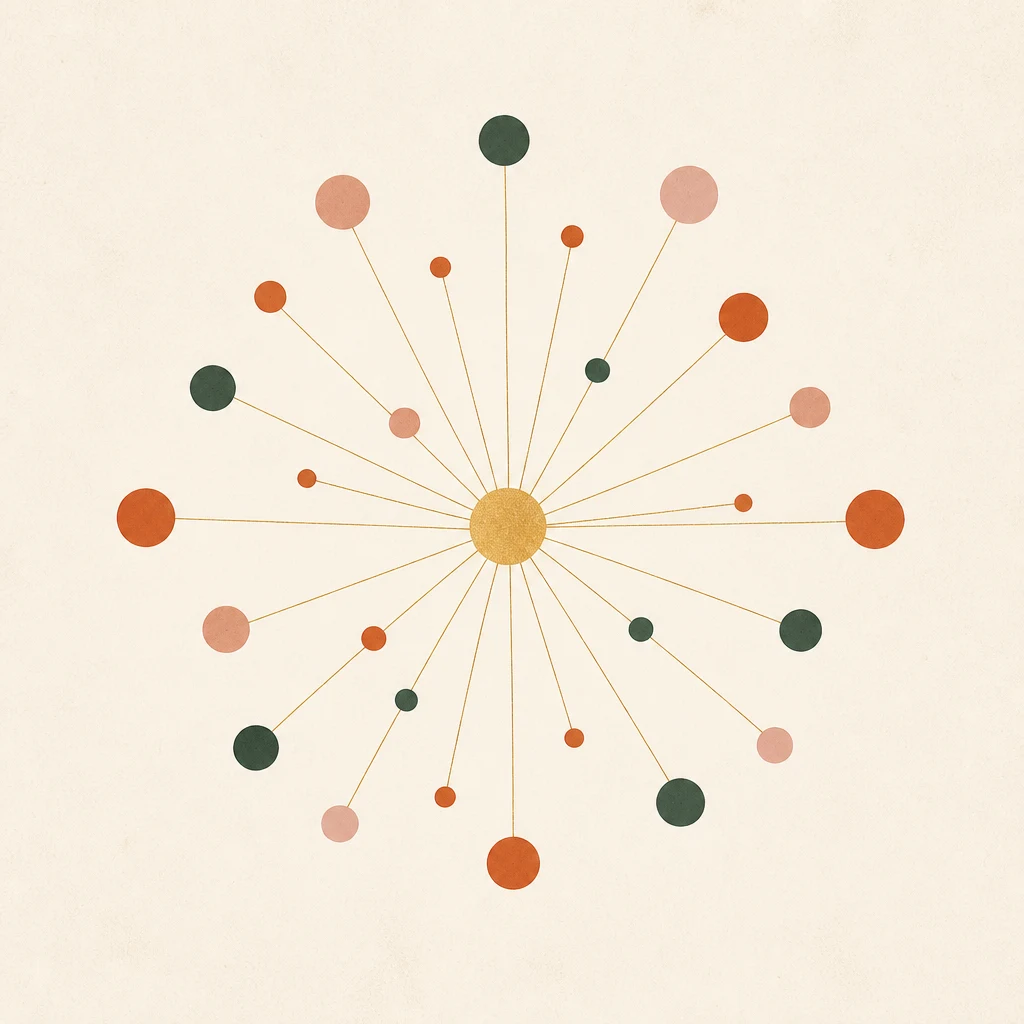
Every channel should point to the same digital invitation or website — with unique links per guest where tracking matters. WhatsApp, email, and SMS can carry a guest's unique link; QR codes and social posts can carry a general link. However guests arrive, they land on the same page, and the RSVP form collects everything.
The Dashboard as Single Source of Truth
When every response flows into one RSVP system, the channel that delivered it stops mattering. Your dashboard shows the total picture: live headcounts, plus-ones, dietary preferences, and outstanding guests — regardless of whether they came from WhatsApp, email, or a QR code scanned at the venue.
Attribution (Optional)
If you want to know which channels work best, use unique link variants per channel (a different short URL for WhatsApp vs. email vs. social). The counts tell you where your guests live. It is a nice-to-have, not a must — for most couples the important number is the total RSVP count, not the channel breakdown.
Building the Mix for Your Wedding
Step 1: Audit Your Guest List
Go through your list and mark each guest's likely channel: WhatsApp (majority), email-only (a few), needs-a-call (grandparents), unknown (send WhatsApp and watch read receipts — if unread after a few days, try email or a call).
Step 2: Choose One Primary Channel Per Segment
Do not send every guest everything — that is spam. Each guest gets one primary channel and, at most, one backup.
Step 3: Prepare the Channel-Specific Wording
The same invitation needs slightly different packaging per channel: a warm WhatsApp message with an emoji or two; a more formal email with full details; a short, link-only SMS. Write all three versions before sending anything.
Step 4: Coordinate Timing
Send the invitation wave across channels within the same few days, so no guest feels like the last to know. Email can lag WhatsApp by a day for the international time zones; SMS should go out with the WhatsApp wave or not at all.
Step 5: Follow Up Per Channel
Follow-ups should respect the original channel: if you invited someone by WhatsApp, nudge them on WhatsApp; if by email, email again — but switch to a phone call if a second nudge goes unanswered.
Mistakes to Avoid in Multi-Channel Sharing
- Sending everything everywhere. Guests on three channels get three copies and feel spammed. Segment and target.
- Using social media for real invitations. Public posts cannot track RSVPs and expose your details to people who are not invited.
- Ignoring the non-WhatsApp 5%. Every guest list has a few. Email or call them early, and they will never feel left out.
- Inconsistent details across channels. If the date differs between the email and the WhatsApp message, guests will notice and distrust everything else.
- No QR fallback. If you print anything at all — save-the-date, program, signage — put a QR code on it. It is the cheapest bridge between paper and digital.
- Skipping the test. Test each channel's version on a real device before the wave goes out.
The Multi-Channel Etiquette Nuances
The small courtesies of multi-channel sharing keep it feeling personal rather than broadcast:
- If a guest forwards your invitation, follow up warmly. The details may reach someone on your list secondhand — send them their own link: "So glad [Friend] passed this along — here's your personal link: [link]."
- Expect replies on a different channel than you sent. A guest invited by WhatsApp may RSVP by email, text, or through your mother. Never correct them — log it, confirm it, and mark them responded.
- Keep status viewers in mind. Anyone with your number can see a Status post. Use Status for a date-and-city teaser; keep the full invitation link in direct messages.
- Mind the time zones. A WhatsApp broadcast at 8 PM your time may be 2 AM for your cousin in London — delay the wave to match your international guests' morning.
- Retire responders from later waves. A guest who confirmed on any channel should not receive reminders on another.
The Pre-Launch Checklist
Before the first message goes out:
- [ ] Guest list segmented with a channel assigned per guest
- [ ] One primary channel and at most one backup per guest
- [ ] Channel-specific wording drafted (WhatsApp, email, SMS, status)
- [ ] Date, venue, and deadline identical across every version
- [ ] Unique links ready for tracked guests; a general link for status and social
- [ ] Every channel points to the same RSVP form and dashboard
- [ ] Test message sent and opened on your own phone
- [ ] Non-WhatsApp guests identified and their channel confirmed
Frequently Asked Questions
Is WhatsApp the best way to share a digital wedding invitation? For most guests, yes — highest open rates, instant delivery, and private. But the best strategy is a mix: WhatsApp as the anchor, email as backup for non-WhatsApp guests, status and social as coverage, and QR codes on any physical pieces.
Should I email the invitation too if I sent it on WhatsApp? Only for guests who prefer email or did not open the WhatsApp message. Duplicate-sending the same guest on two channels feels like spam.
Can I share my digital invitation on social media? You can, but only as a save-the-date or public announcement. Actual guests should be invited privately so you can track RSVPs and keep details private.
How do I track RSVPs if guests come from different channels? Route every channel to the same RSVP form. The dashboard aggregates responses regardless of how guests arrived.
Do QR codes still work for wedding invitations? Yes — they are the standard bridge between printed and digital. Guests scan with their phone camera and land on the invitation or website.
What is the single most important thing when sharing digitally? Consistent details across every channel, and a clear RSVP deadline. Channels get guests to the door; the deadline gets them to respond.
Final Thoughts
The best way to share a digital wedding invitation is not one channel — it is a thoughtful mix built around your guests. WhatsApp carries most of the load with warmth and speed; email catches the people WhatsApp cannot reach; SMS covers emergencies; status updates and social posts add passive coverage; and QR codes turn any physical touchpoint into a doorway to your digital invitation.
Segment your list, pick a primary channel for each guest, keep every channel pointing at the same invitation and RSVP form, and follow up through the channel each guest came from. Do that, and your beautiful digital invitation will actually reach the people it was made for — and the RSVPs will prove it.